One free preview. No account upfront.

Turn one business photo into an image ready to publish

Upload a product, food, property, or brand photo. Hyperistic applies the right business-ready edit, then you decide if the result is worth keeping.

s

Choose a JPG, PNG, or WebP. See preview before signup.
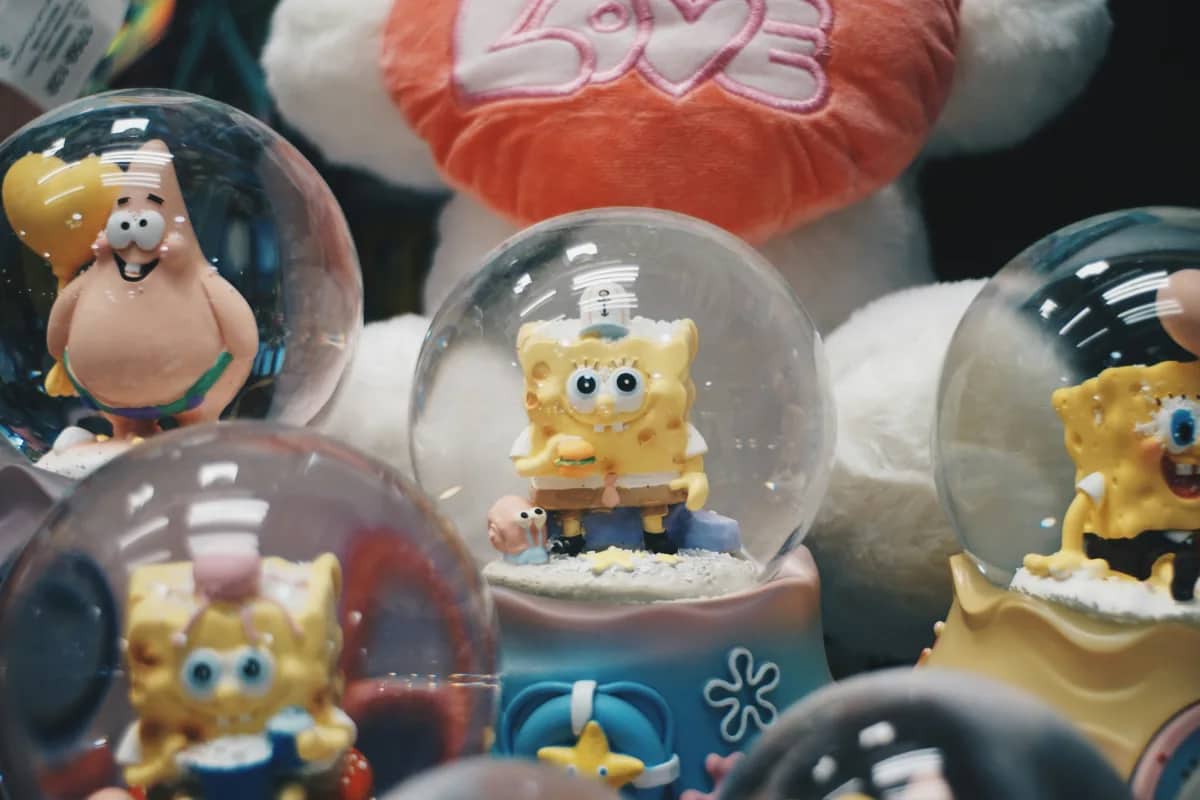
Business-focused presets
No credit card required
Bulk editing when you need it
E-commerce & Product original
E-commerce & Product AI result
OriginalAI result

E-commerce & Product

Clean, studio-ready product photos

Try with my photo

Already useful for teams publishing on

Shopify
WooCommerce
Amazon
Best path:upload one real image, see the preview, then sign up only if it feels worth keeping

Why Small Businesses Choose Hyperistic

A focused workflow for real business photos, from one preview to a reviewed batch

Phone Photo to Polished Draft

Use a real handheld photo as the starting point, then compare the AI result with the original before publishing.

Bulk Edit: 1 Prompt, 30 Images

Premium applies one preset or instruction to up to 30 related photos. Review each output before downloading the set.

Presets Built for Small Business

E-commerce, Restaurant, Social Media, and Real Estate presets — designed for real business needs, not just aesthetics.

Visible Processing Progress

Upload, choose a direction, and follow the processing state. Timing varies with the source image and current demand.

Account Downloads Without Watermarks

Free accounts can download original-size results. Premium adds HD and 4K options plus ZIP downloads for batches.

Manage Results From Your Account

Signed-in users can review their history and delete stored image files they no longer want to keep.

Simple 3-step process

Reviewable AI Photos in 3 Steps

Upload a real photo, choose a clear direction, and keep only the result that accurately fits your business.
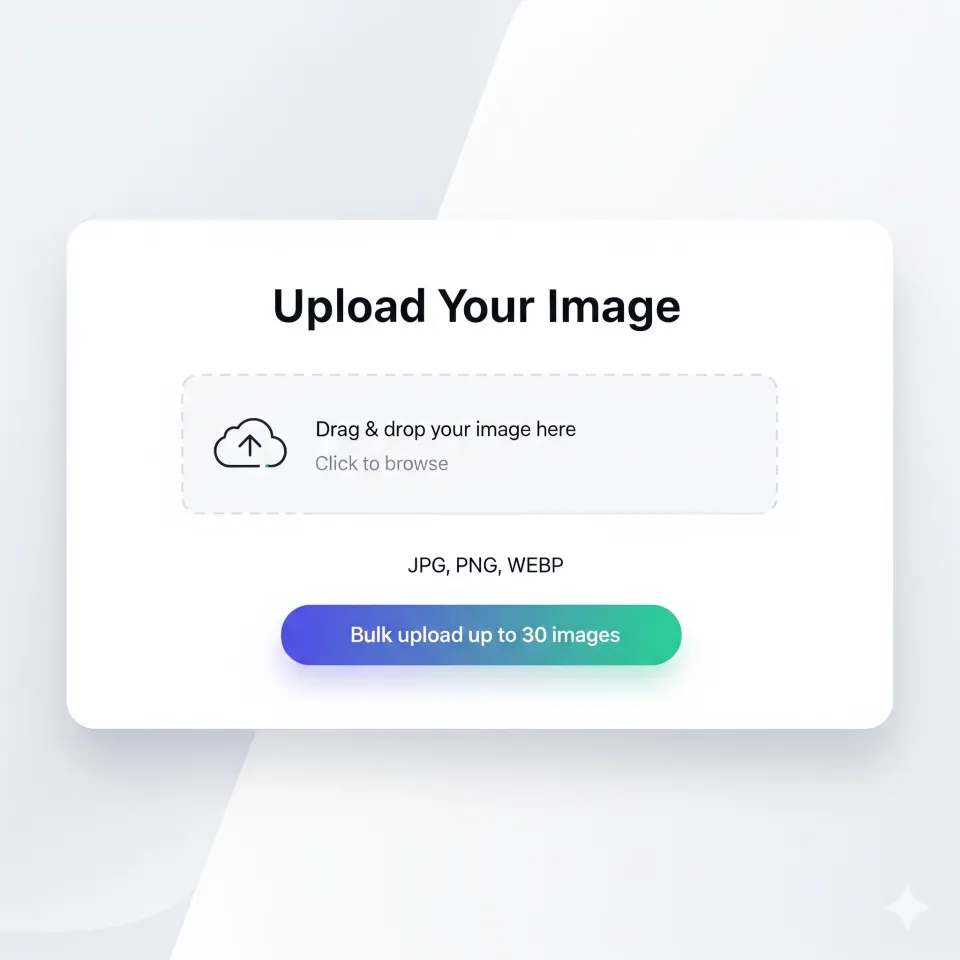
Snap & Upload
01
Bulk upload: up to 30 images

Snap & Upload

Take a photo on your phone or drag & drop from your computer. Upload one image or up to 30 at once for bulk editing — no special equipment needed.

Pick Your Style Once
02
1 direction for up to 30 images

Pick Your Style Once

Choose a preset (E-commerce, Restaurant, Social Media, Real Estate) or write a custom instruction. Premium can reuse it across a related batch.

Review, Then Download
03
Human review before publishing

Review, Then Download

Compare every AI result with the original. Signed-in downloads have no watermark, and Premium adds HD, 4K, and ZIP options.

Start With One Photo. Scale Only When It Fits.

Clear limits for small teams working with real business images

Live
Job Feedback
Progress, completion, and failure states
30
Images per Batch
1 direction across a related set
4K
Premium Export
HD and 4K download options
Free
To Get Started
3 credits, no card required
Try first. Sign up after. No card.

Use one real photo to create the “I should keep this” moment.

Start with upload, get a result, then sign up to unlock the download and 3 credits if the preview feels worth keeping.

🛍️ E-commerce sellers🍽️ Restaurant owners🏠 Real estate agents

Guest preview first. Signup unlocks download, history, and more credits when you actually want to continue.

FAQ

Frequently Asked Questions

Everything people ask before trying Hyperistic for the first time

What is Hyperistic?+
Hyperistic is an AI-powered photo editing tool that helps businesses create more polished product, food, property, and social images from real source photos.
What does the name Hyperistic mean?+
Hyperistic combines "Hyper" and "Realistic" to represent images that look more polished, premium, and studio-ready than an ordinary phone snapshot.
How does Hyperistic work?+
Upload a photo, choose a preset such as E-commerce, Social Media, Restaurant, or Real Estate, and Hyperistic uses generative AI to create a result you can compare with the original. Processing time varies by image and demand.
Is Hyperistic free to use?+
Yes. Visitors can generate one preview before signup. New users also get 3 bonus credits on signup and 1 free daily credit with no credit card required. Premium starts at $7.99 per month and includes 100 monthly credits plus bulk editing.
What types of photos can Hyperistic edit?+
Hyperistic supports product photos, menu photos, real estate listing photos, and social media content, plus general marketing imagery where faster professional polish matters.
Can I bulk edit multiple images at once?+
Yes. Starter, purchased, or Premium credits can power a batch of up to 30 images and a ZIP download. The daily free credit is limited to single-image editing.
Do I own the photos edited by Hyperistic?+
Yes. You retain ownership of your original uploads and the AI-enhanced results, and the output images are watermark-free.
How is Hyperistic different from Canva or Photoshop?+
Hyperistic is built for fast AI-driven enhancement of real photos, so there is no design learning curve, template setup, or manual retouching workflow.
Why is Hyperistic useful for small business marketing?+
Hyperistic helps small businesses create better product, food, property, and social images without paying for a full photoshoot every time they update a catalog, menu, listing, or campaign.
What makes Hyperistic good for bulk photo editing?+
Users with eligible account credits can upload up to 30 related images, apply one preset or prompt across the batch, review each result, and download the set as a ZIP.
How long does it take to edit a photo with Hyperistic?+
Processing time varies with source-image complexity, batch size, and current demand. The editor displays progress, completion, and failure feedback.