AI room photo editor for faster tenant listings
Built for share-house owners who refresh room ads every vacancy. Upload a bedroom or shared-space photo and preview a brighter, realistic listing image.
Upload the room you need to rent next
Built for owners who keep refreshing room ads whenever a tenant moves out.
Best for repeated vacancies
Fast photo checklist
Clear, realistic room photos
What is a share house room photo editor?
Hyperistic is a browser-based AI room photo editor for share-house owners, co-living operators, and property managers. It improves the light, colour, and clarity of existing room photos while the room-listing preset is designed to preserve the real space.
- Best for
- Bedrooms, shared living rooms, kitchens, bathrooms, entrances, and exteriors.
- What it improves
- Lighting, white balance, colour, clarity, and listing presentation.
- What it avoids
- Virtual staging, added furniture, changed architecture, or a misleading room size.
- How to start
- Generate one preview before signup, then use bulk editing for a full vacancy set.
Business-owner features
Easy enough to use every time a room opens.
Repeat the same simple flow
Open this page, upload the available room, preview the edit, then use it in your next tenant listing.
Move faster when a room opens
The page is built for quick vacancy updates, so you are not rebuilding photos and ads from scratch.
Help tenants trust the space
Keep the room honest while making bedrooms, shared lounges, kitchens, and bathrooms easier to understand.
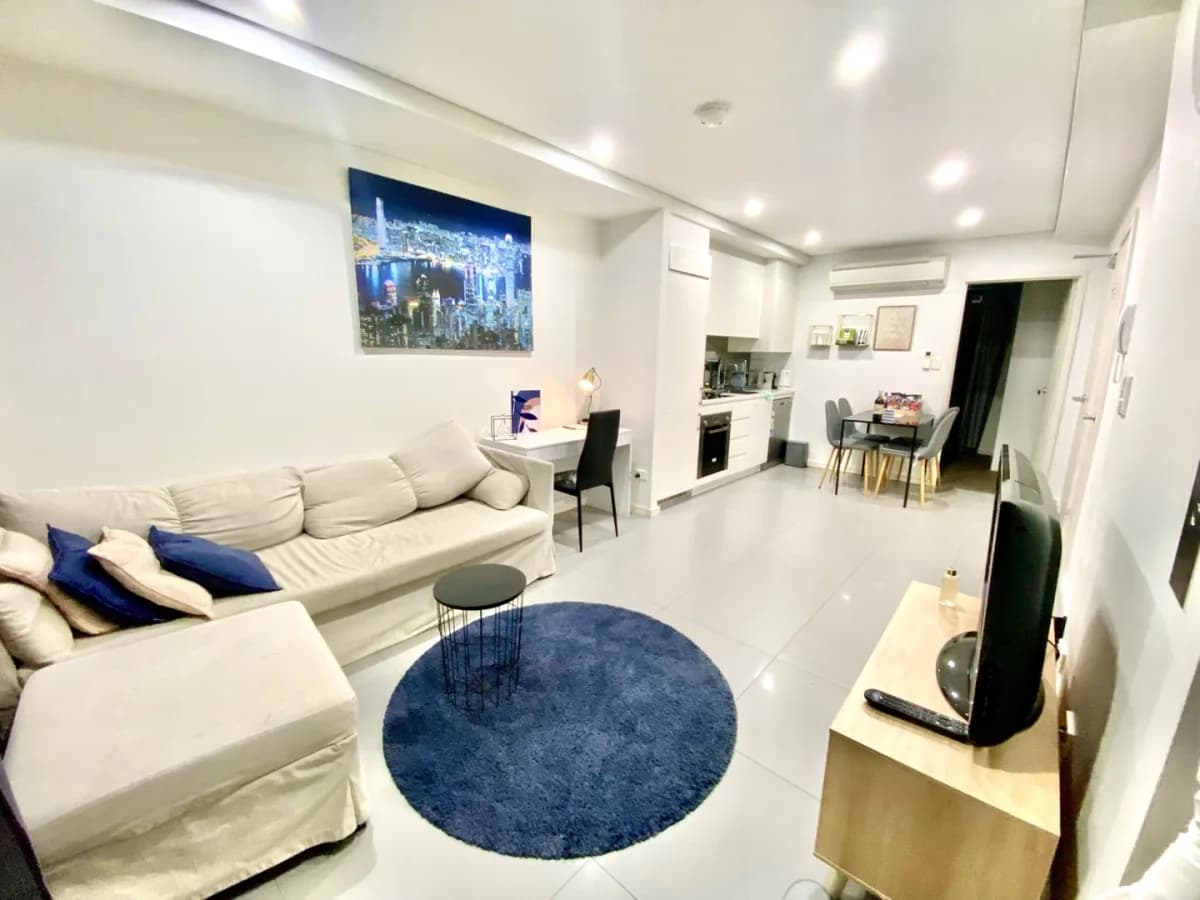 Before
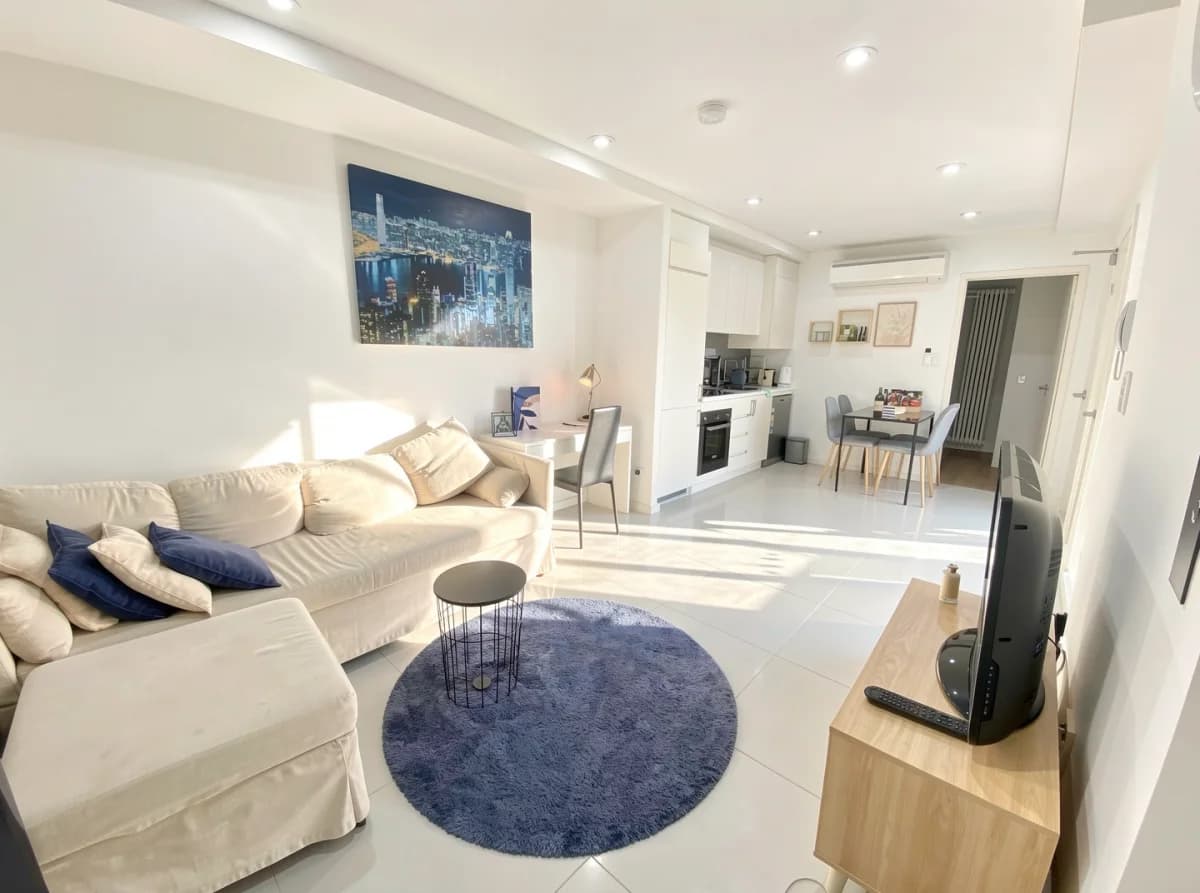 After AI
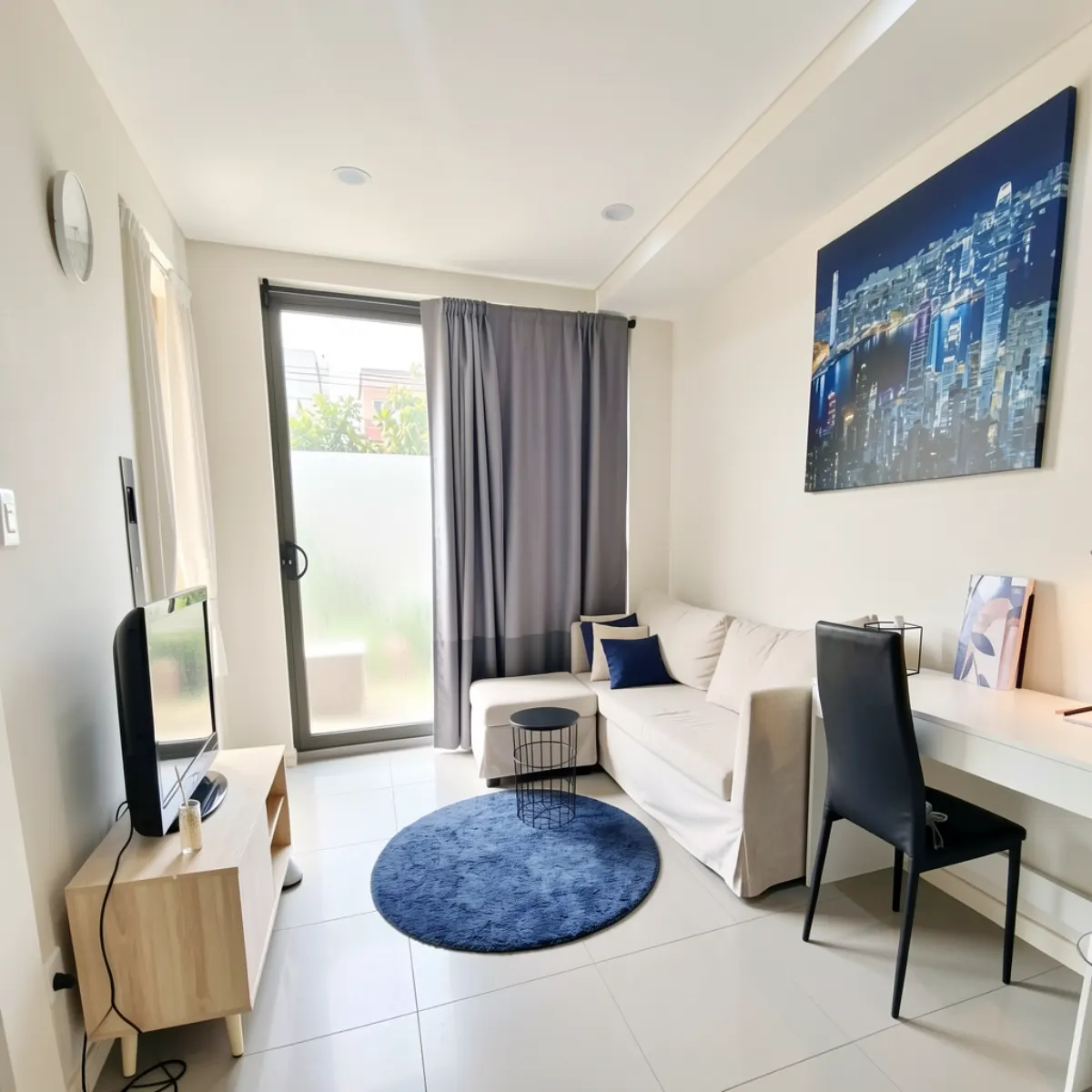 Room photo
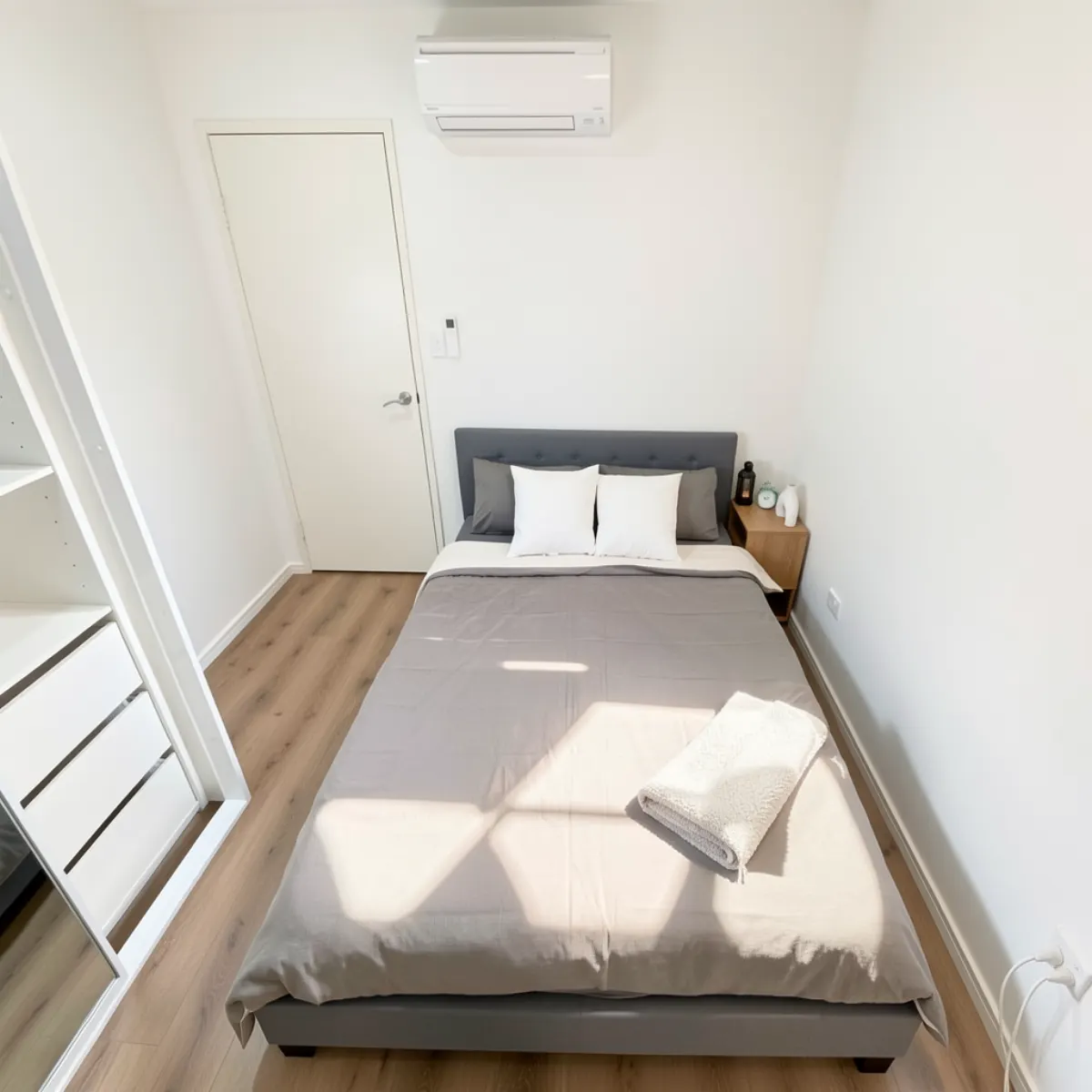 Bedroom ready
Room owner workflow
A faster habit for every new vacancy.
Upload the available room
Use a fresh phone photo from the bedroom, shared space, kitchen, bathroom, or exterior.
Use the room-listing preset
The page applies a room-focused property edit that brightens the photo while keeping the real layout.
Post the improved listing photo
Use the result on Flatmates, Facebook Marketplace, rental ads, agency pages, or your own share-house site.
Use the result anywhere you list rooms
Questions from room owners
How the room-photo workflow fits recurring vacancies, tenant ads, and honest listing images.
Who is the share house room photo editor for?+
How does AI improve a room listing photo?+
What kind of room photos should I upload?+
Does the AI change the room layout or add furniture?+
Can I edit a full set of room listing photos?+
Can I try the room photo editor before signing up?+
Keep your room ads ready for the next tenant.
Upload one fresh room photo, preview the AI edit, and build a repeatable workflow for every vacancy.
Upload a room photo