AI Photo Editor Features for Business Photos
Explore the core features for product photos, food photography, real estate listings, and social media images.
Bulk Processing
Apply one preset or instruction to up to 30 related images
- Premium batch workspace
- One direction across a related set
- Download as ZIP file
- Review each output before export
Processing Feedback
Follow the job state from upload through completion
- Visible progress state
- Clear completion feedback
- Error messages when a job fails
- Timing varies by image and demand
AI-Powered Enhancement
Preset-led and prompt-led editing for real business photos
- Product, food, property, and social presets
- Custom editing instructions
- Before-and-after review
- Output varies with each source image
Industry Presets
Optimized styles for your specific needs
- E-commerce product photos
- Social media content
- Real estate listings
- Restaurant menu photos
Download & Use Freely
High-quality output ready for your store, ads, and social media
- No watermark on signed-in downloads
- Use on any platform
- No attribution needed
- HD and 4K options on Premium
Account & Storage Controls
Manage generated files from your signed-in history
- TLS protection in transit
- Account-scoped image history
- Delete stored image files
- Published privacy details
4 Styles. Built for Your Business.
Each preset starts from a different publishing job. Choose one, then review the result against your original.
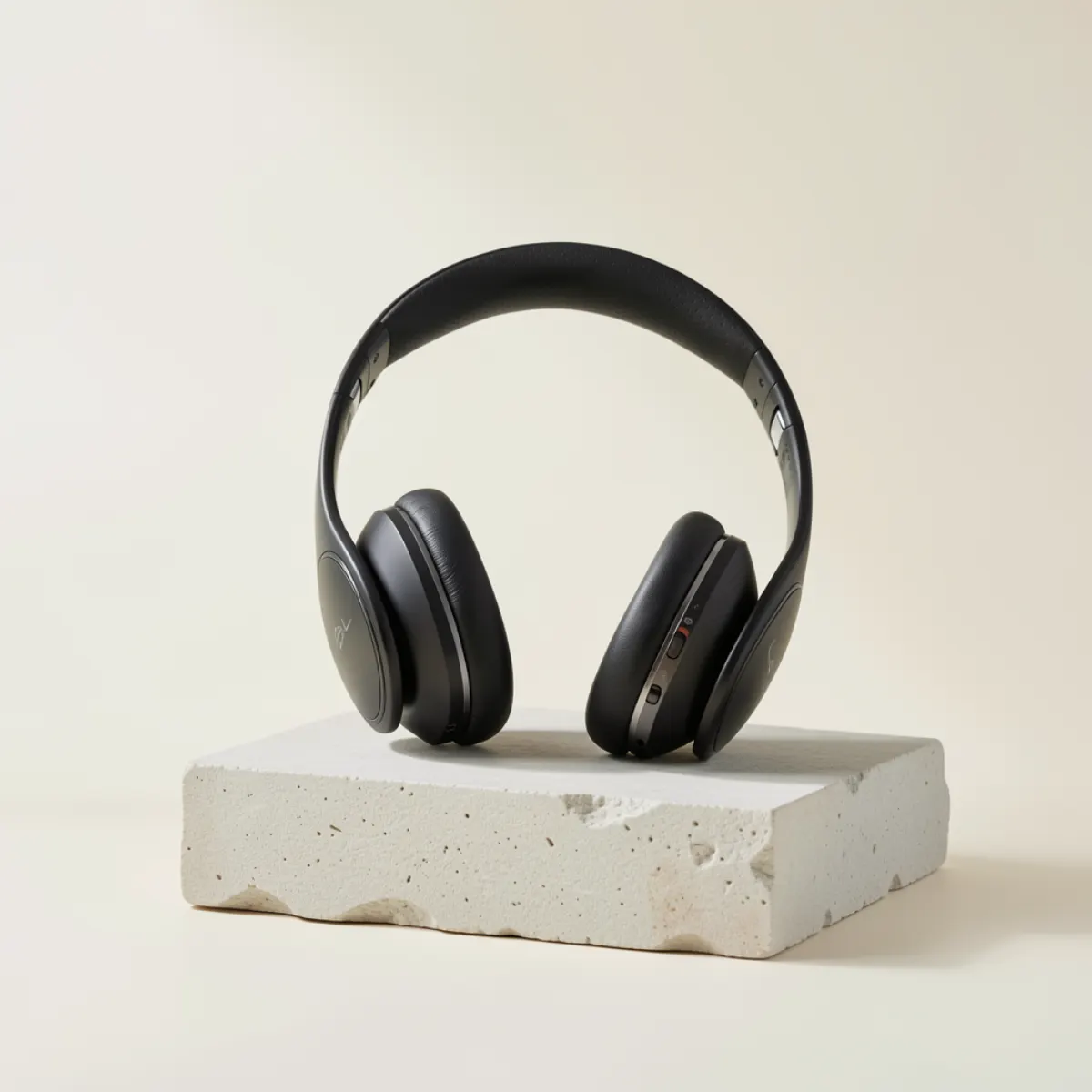
Give mixed product photos one clear direction
Use a product-focused preset or instruction to improve lighting, background presentation, and catalog consistency, then verify every product detail.
- Product-focused preset and custom instructions
- Bulk workflow for up to 30 related products
- Review labels, colour, and details before listing

Build a repeatable content direction
Polish real campaign and social photos with a preset or custom instruction, then preview the final crop for the channel where it will appear.
- Preset-led colour and presentation changes
- Custom direction for a campaign or channel
- Check faces, products, logos, and text before posting
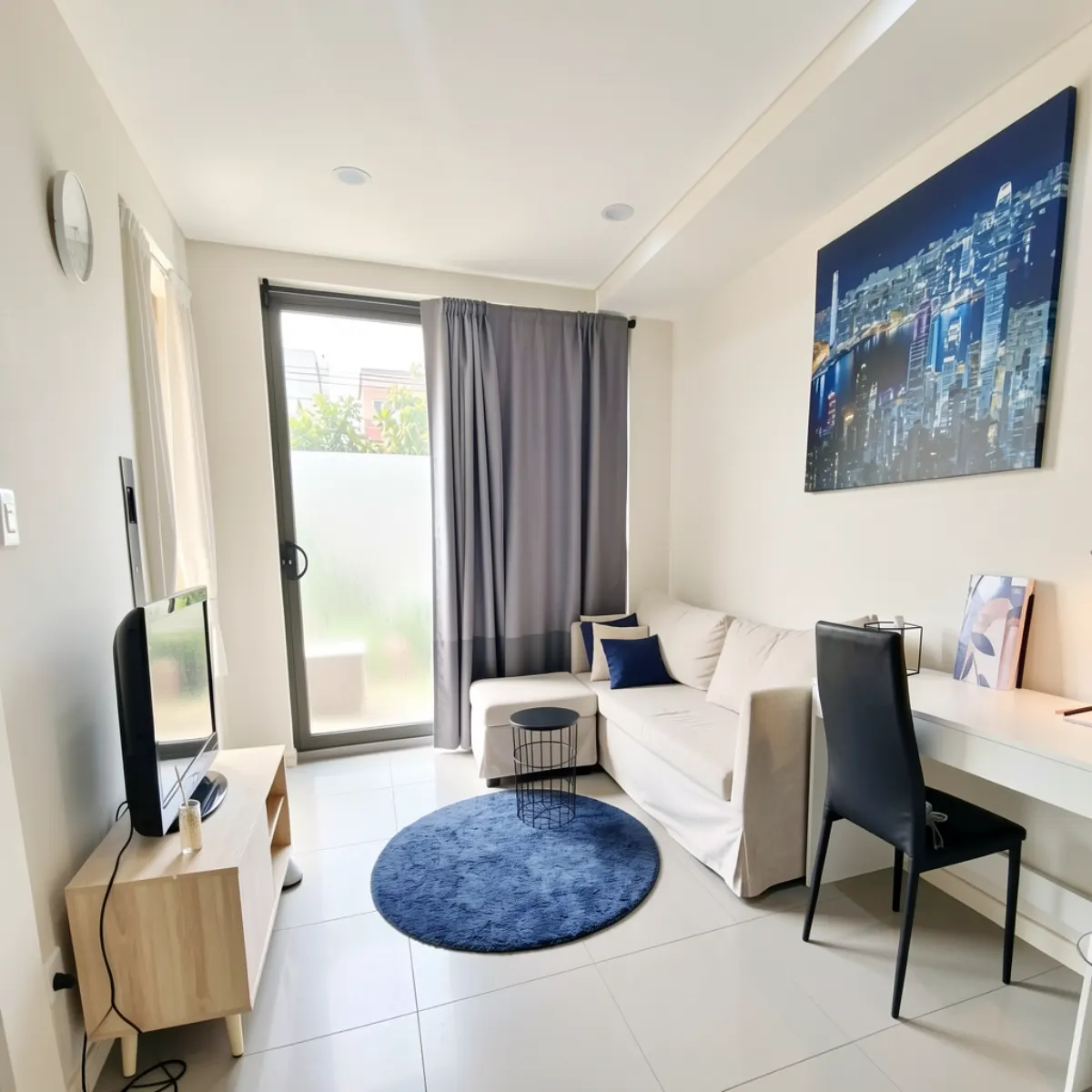
Improve property-photo presentation carefully
Use a restrained direction for lighting, white balance, and clarity while preserving room layout, fixtures, condition, and view.
- Lighting and white-balance first pass
- Review structure, condition, view, and materials
- Check the current rules of each listing platform
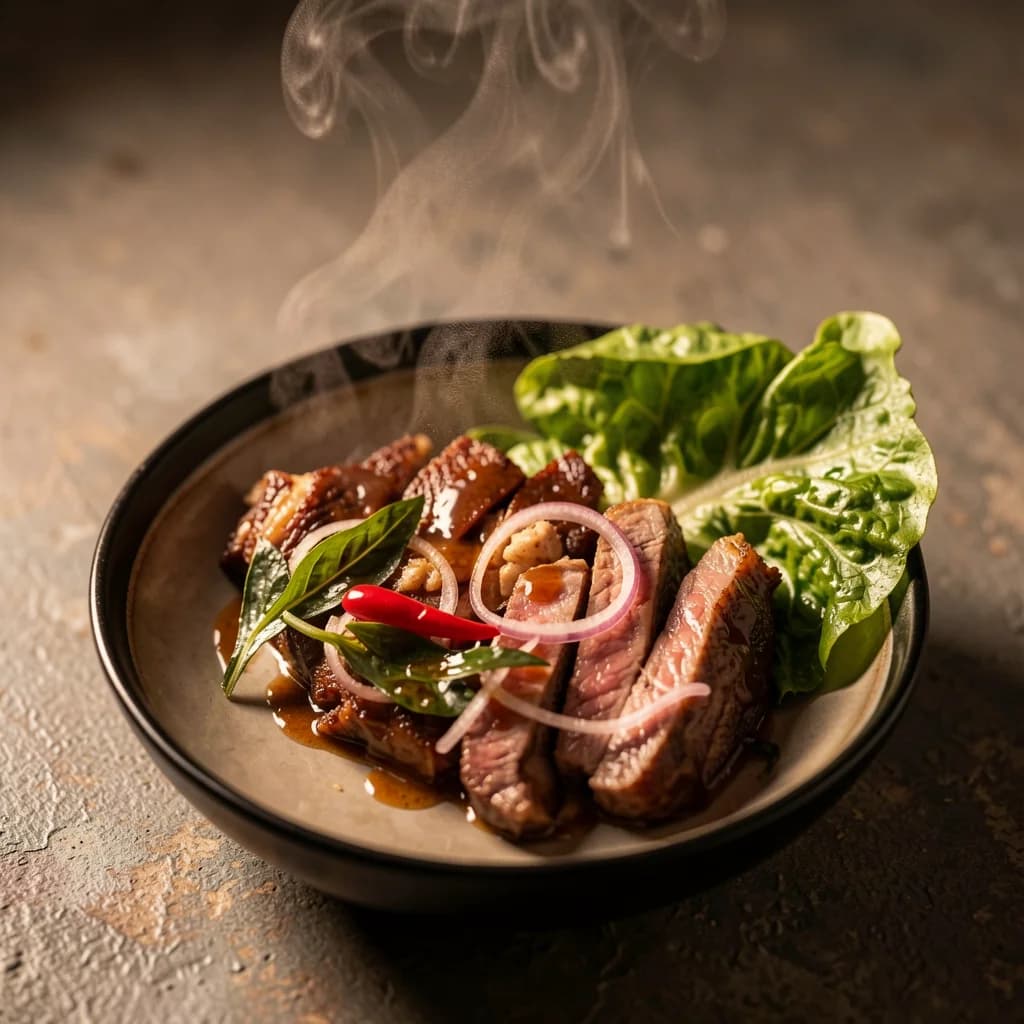
Keep the dish recognizable and menu-ready
Improve the presentation of real dish photos for menus, delivery listings, and social content without changing what customers receive.
- Food-focused lighting and presentation preset
- Review ingredients, portion, garnish, and plating
- Preview the crop used by each delivery platform
Use one real photo to create the “I should keep this” moment.
Start with upload, get a result, then sign up to unlock the download and 3 credits if the preview feels worth keeping.
Guest preview first. Signup unlocks download, history, and more credits when you actually want to continue.