Etsy product photo editor for handmade shops.
Make handmade, vintage, and small-batch product photos look polished while keeping the product natural and recognizable.

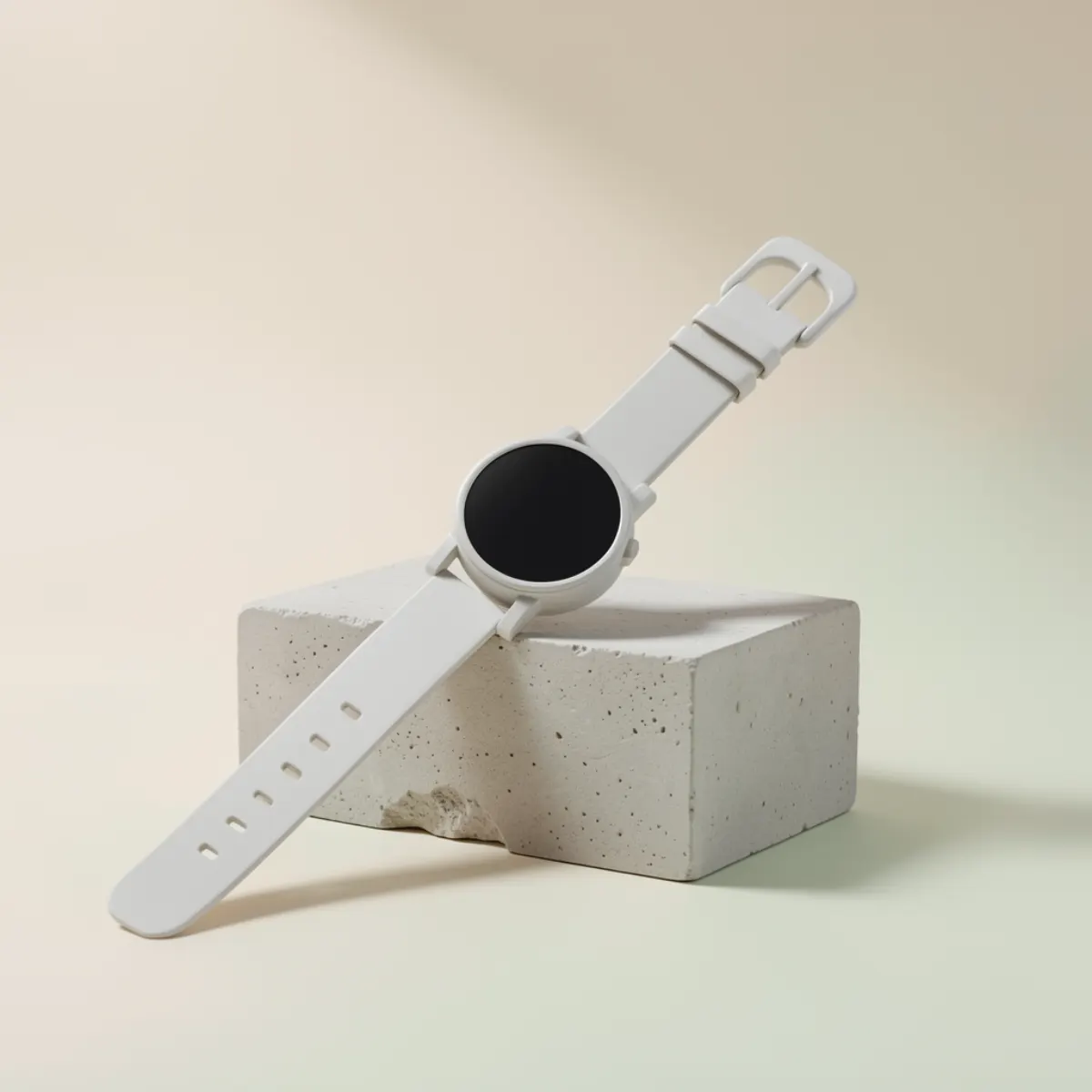 After AI
Seller workflow
Give shoppers confidence before they click favorite or buy.
Etsy buyers compare products quickly. Better lighting, sharper detail, and a consistent shop look can make handmade items feel more trustworthy without making them look fake.
Phone photos welcome
Start with simple phone images and improve them for a cleaner shop presentation.
Natural enhancement
Improve clarity and color while keeping the handmade feel that Etsy shoppers expect.
Detail-friendly output
Make texture, labels, and materials easier to inspect in listing galleries.
Low-risk test
Use one real visitor preview before you decide whether to create an account.
Etsy listing photo checklist
- Use clear product-first images for the first listing photo.
- Show texture and scale when details matter.
- Keep colors accurate so shoppers know what they are buying.
- Refresh older listings in batches to make the shop feel consistent.
Workflow
Go from raw photo to free preview in minutes.
Upload a shop photo
Use your main listing image or a new phone shot.
Pick e-commerce or custom prompt
Ask for clean lighting, natural shadows, or a consistent shop look.
Download after free signup
Keep the result and use your starter credits for more listings.
More product workflows
Find the exact photo workflow for your store
Questions about etsy product photo editor
Quick answers before you run your first free preview.
Will AI make handmade products look fake?+
Can I use this for vintage products?+
Do I need a paid plan for one Etsy photo?+
Free preview first