Shopify product photo editor for cleaner listings.
Upload one product shot and get an AI preview built for store grids, product pages, and mobile shoppers. Sign up only when the result is worth saving.
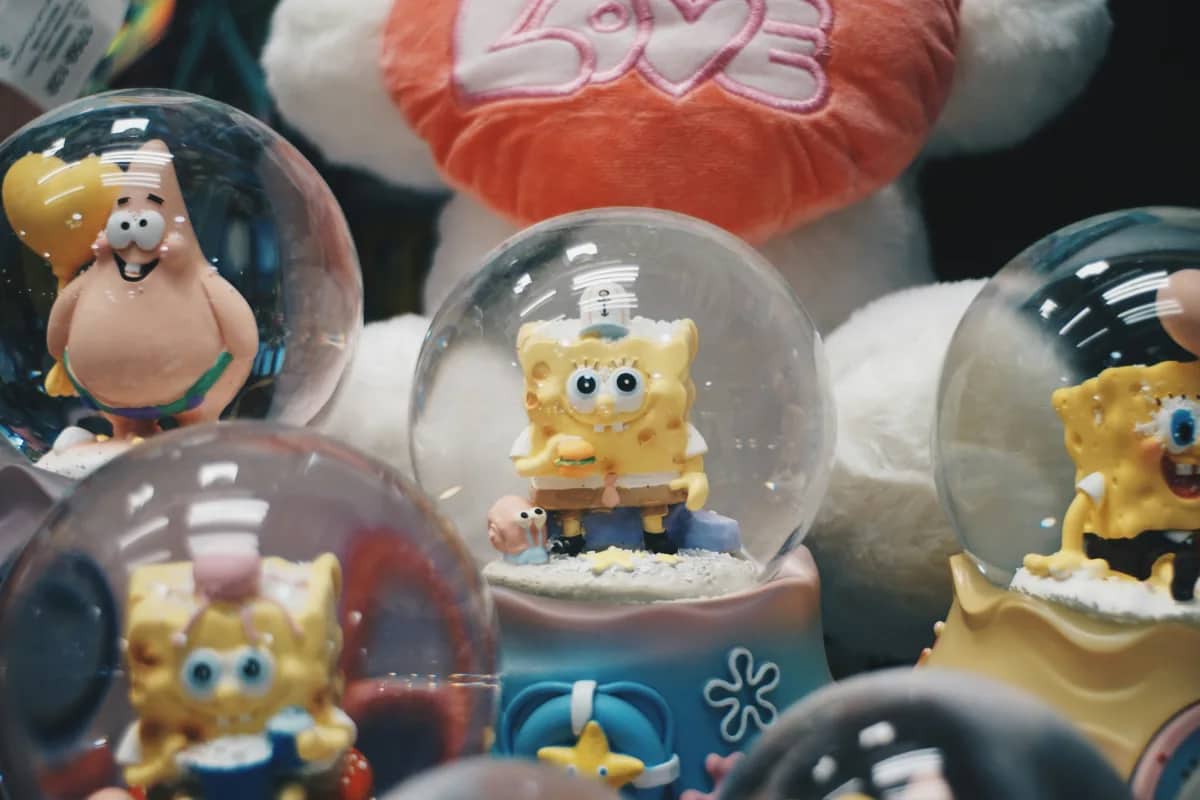
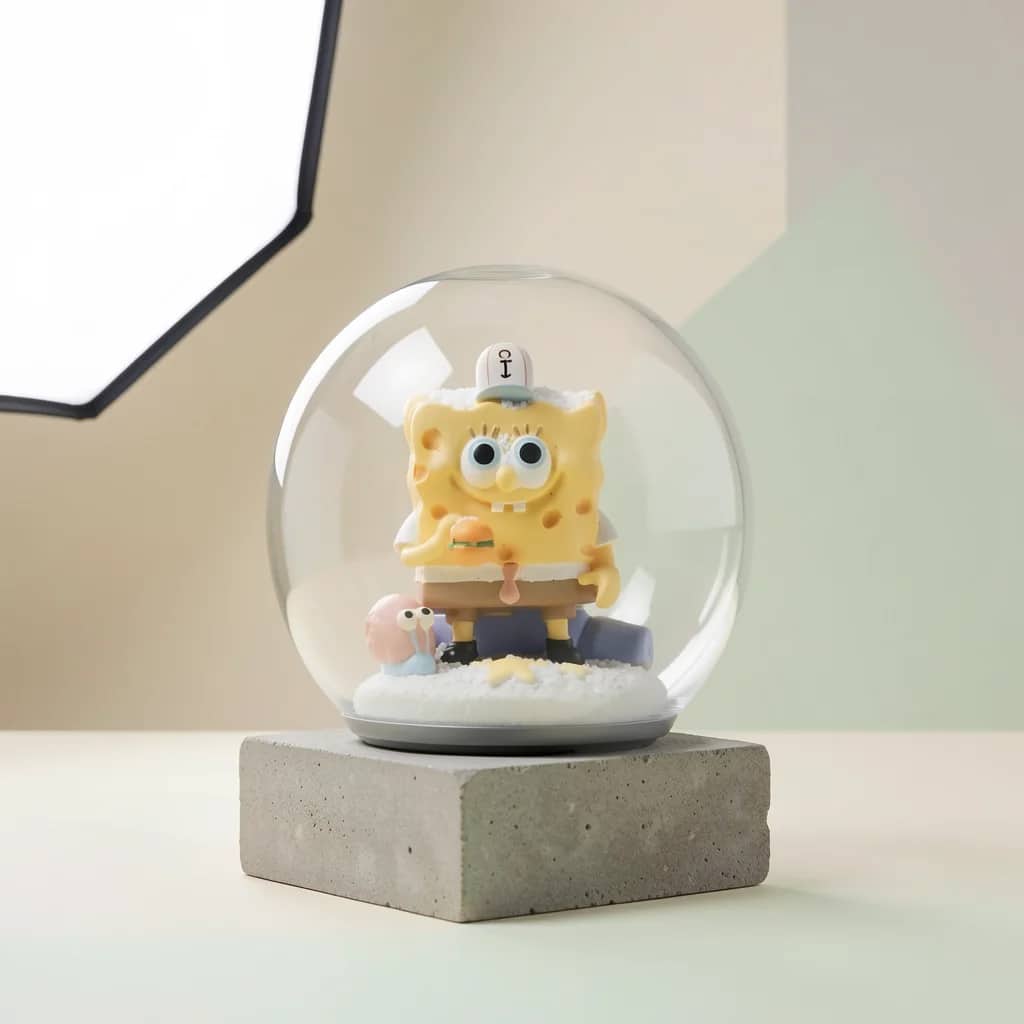 After AI
Seller workflow
Built for sellers who need better product photos without a photo shoot.
Most Shopify stores lose trust when product images have mixed lighting, messy backgrounds, and inconsistent crops. Hyperistic gives sellers a faster way to test a polished look before they commit to an account.
Store-grid consistency
Create product images that feel like they belong in one catalog instead of coming from many suppliers.
Cleaner product focus
Improve lighting, contrast, and background clarity so the item is easier to judge on mobile.
Download after signup
Visitors can preview first, then create a free account to download and continue editing.
SEO-friendly use case
The page targets the exact Shopify photo problem people search for when they are ready to fix it.
Shopify photo checklist
- Use a consistent aspect ratio across product images for cleaner collection grids.
- Square product images around 2048 x 2048 px are commonly recommended for crisp display.
- Keep product details visible at thumbnail size, especially labels, texture, and color.
- Use clean alt text when uploading the final image to your store.
Workflow
Go from raw photo to free preview in minutes.
Upload one product image
Use a supplier photo, phone shot, or existing store image.
Choose the e-commerce preset
Hyperistic improves the photo for product listing use.
Create an account if you like it
Signup unlocks the download, history, and more free edits.
More product workflows
Find the exact photo workflow for your store
Questions about shopify product photo editor
Quick answers before you run your first free preview.
Can I try a Shopify product photo before creating an account?+
Does this replace a Shopify photographer?+
Can I edit many Shopify photos at once?+
Free preview first