How to Edit Photos with AI in 4 Simple Steps
Step-by-step guide for product photos, food images, real estate listings, and social media visuals.
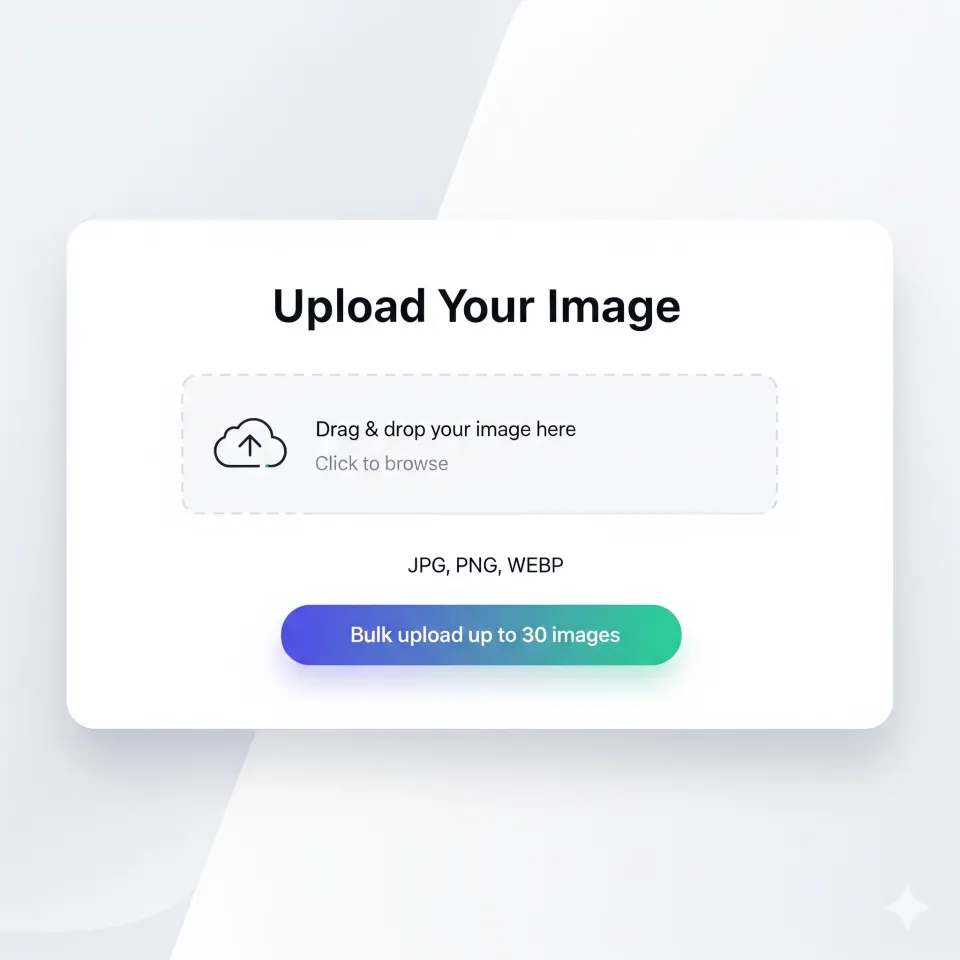
Upload Your Images
Drag and drop up to 30 images at once. Supports JPG, PNG, and WEBP formats.
- Upload from computer instantly
- Premium bulk upload up to 30 images
- Max 10MB per image
- JPG, PNG, and WEBP files

Choose Your Style
Select from industry-optimized presets or create custom effects with AI.
- E-commerce product photos
- Social media content
- Real estate listings
- Restaurant menu photos
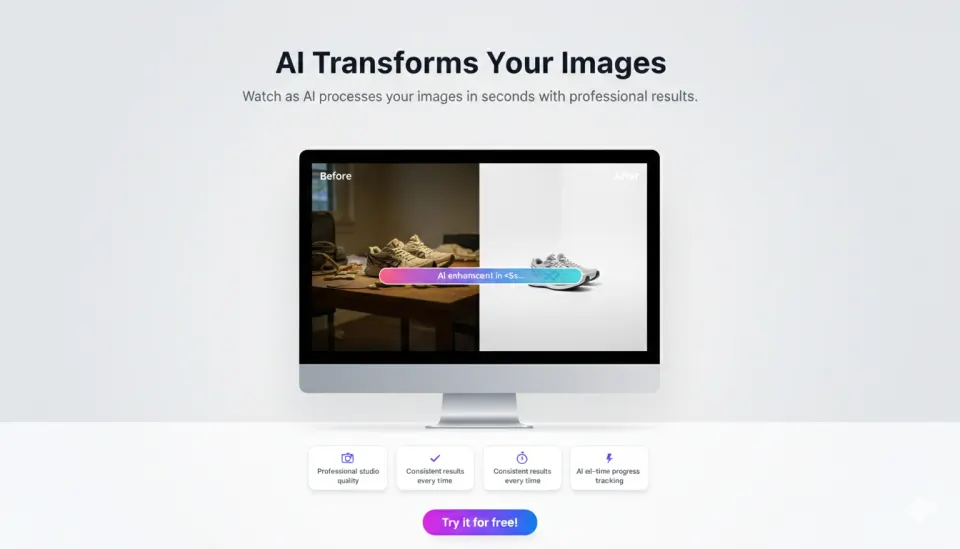
AI Transforms Your Images
Follow the progress state, then compare each generated result with the original.
- Processing time varies by image
- Before-and-after comparison
- Output quality depends on the source
- Real-time progress tracking

Download & Use
Get your transformed images in high resolution, ready to use for your business.
- Download individual images
- Premium bulk download as ZIP
- No watermark on signed-in downloads
- Ready for your store and ads
Choose Your Workflow
Single images or bulk processing - we've got you covered
Single Image
Perfect for testing or editing individual photos
Quick edits, testing features
Bulk Processing
Transform entire catalogs at once
Product catalogs, large batches
Common Questions
How long does it take?
Processing time varies with the source image, batch size, and current demand. The editor shows the current job state and completion feedback.
Can I use the images for my business?
Yes! The enhanced images you create are yours to use — for your online store, ads, social media, or any business purpose. No watermarks, no attribution required.
What styles are available?
Choose from industry-specific presets: Product Photo (clean backgrounds), Instagram Clean (social media), Enhancement (quality boost), plus custom AI prompts for specific needs.
Do I need bulk access?
Single images work with any credit type. Bulk editing supports up to 30 images in one batch and uses starter, purchased, or Premium credits. The daily free credit does not unlock bulk editing.
Ready to Get Started?
Transform your first image in less than a minute
Guest preview first. Signup unlocks download, history, and more credits when you actually want to continue.