Make every
dish look
irresistible.
Turn a quick phone photo into a cleaner menu or delivery-listing image while keeping the dish recognizable.
Try one food photoPreview before signup · No studio needed · Review food accuracy
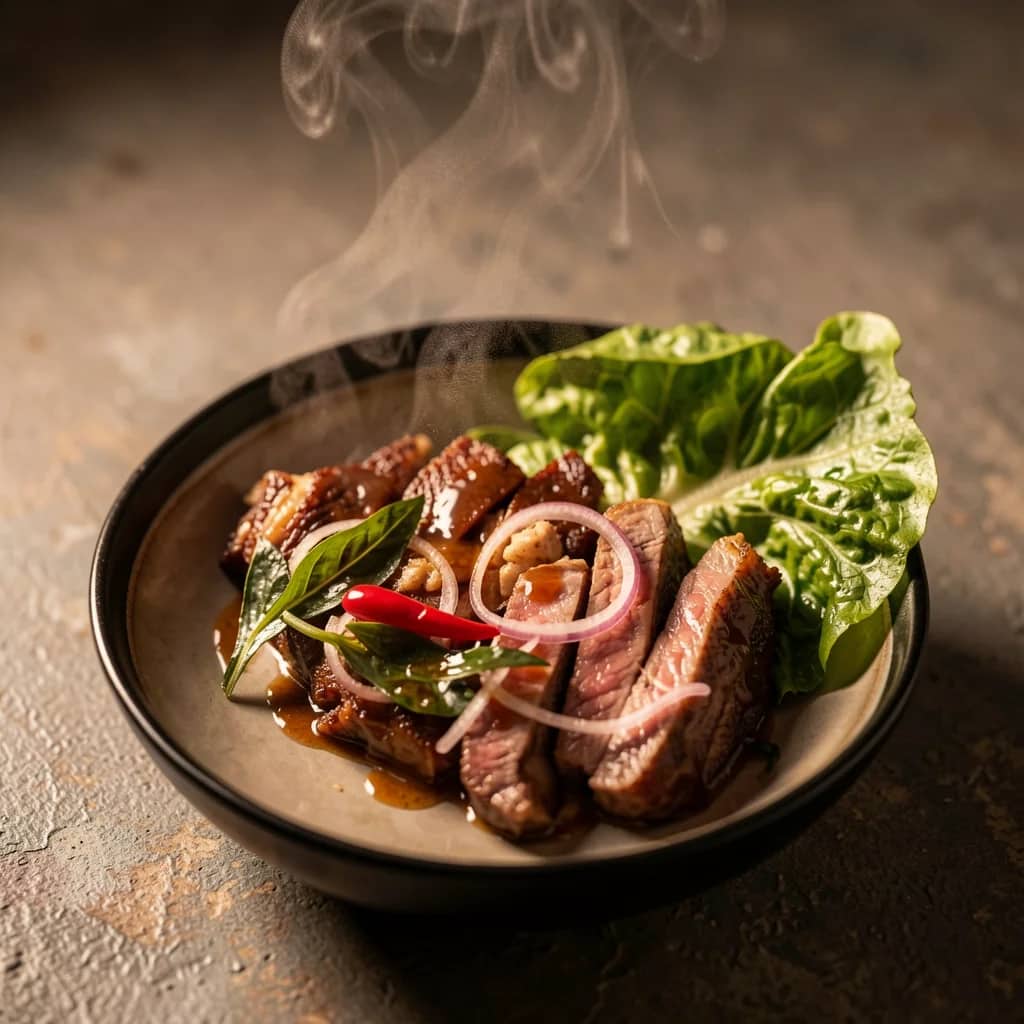

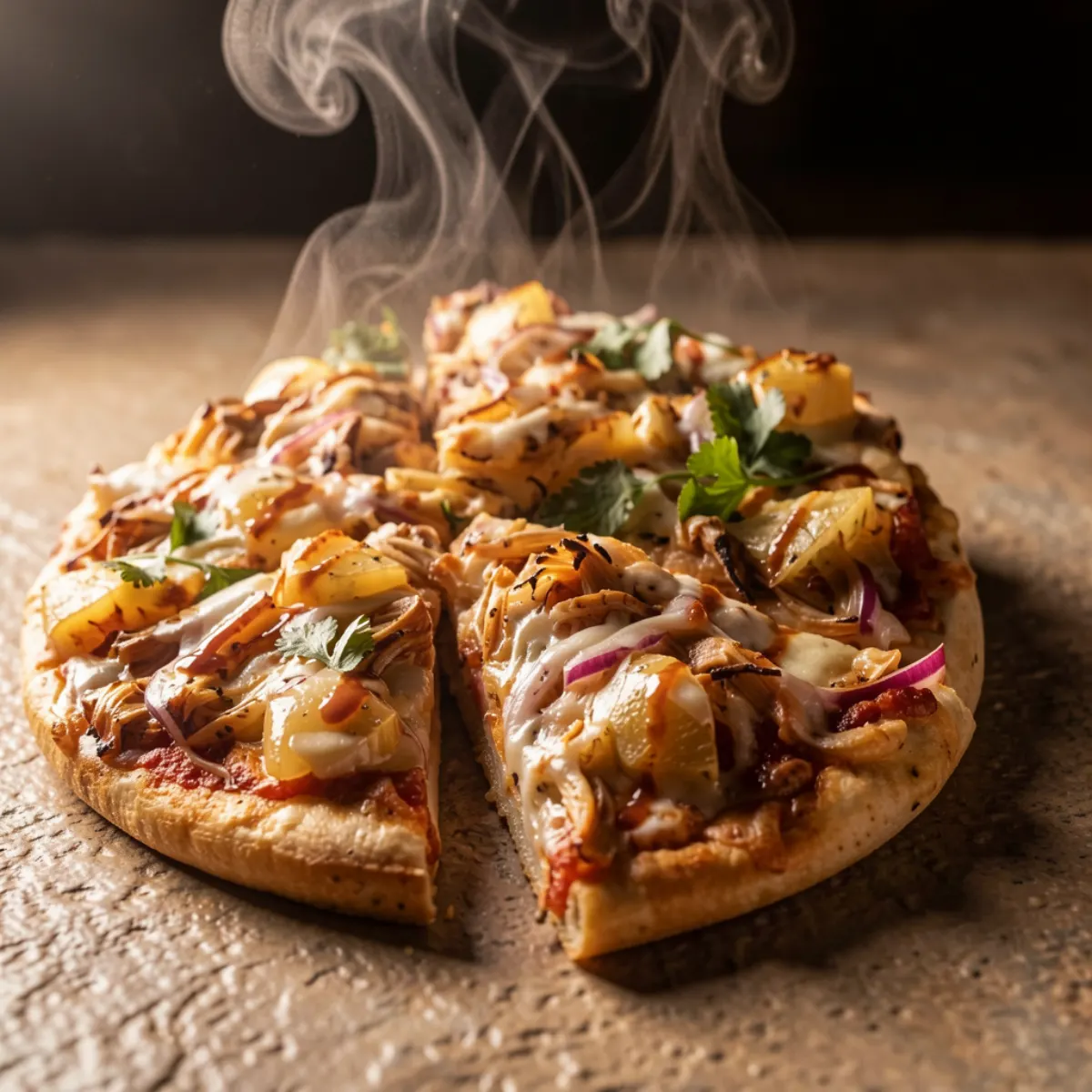
Customers order
with their eyes
first.
AI corrects colour, brightness & vibrancy automatically
Compare the edited dish with the original before publishing
Works for Uber Eats, DoorDash, Yelp, Google Maps & more
Eligible account credits can edit up to 30 menu images and download a ZIP
Optimised for every food platform
Quick answer
What does an AI food photo editor do?
An AI food photo editor improves the presentation of an existing dish photo for menus, delivery platforms, and restaurant marketing. Hyperistic focuses on fast, preset-led enhancement rather than manual retouching. AI can reinterpret ingredients or plating, so the final image should still be checked against the food customers receive.
A good fit when you need
- Phone photos with flat lighting, weak contrast, or distracting presentation.
- Menu refreshes that need a similar visual direction across several dishes.
- Owners who want to test their own dish photo before signup.
Use a specialist workflow when you need
- Making a dish look materially different from what a customer will receive.
- Precise label, packaging, allergen, or ingredient edits without manual review.
- Complex menu design, typography, or print-layout production.
- Visitor trial
- 1 watermarked preview before signup
- Menu batches
- Up to 30 with eligible credits
- Accepted files
- JPG, PNG, and WEBP up to 10 MB
- Free account
- 3 starter credits, then 1 daily reset
Questions about restaurant & food photo editing
Straight answers on pricing, workflow, output quality, and platform fit.
Can I use Hyperistic to improve food photos for Uber Eats or DoorDash?+
Do I need professional photography equipment?+
How much does it cost to edit restaurant photos?+
Can I edit my whole menu at once?+
Start free. See results today.
3 credits on signup — no card, no risk.
Guest preview first. Signup unlocks download, history, and more credits when you actually want to continue.