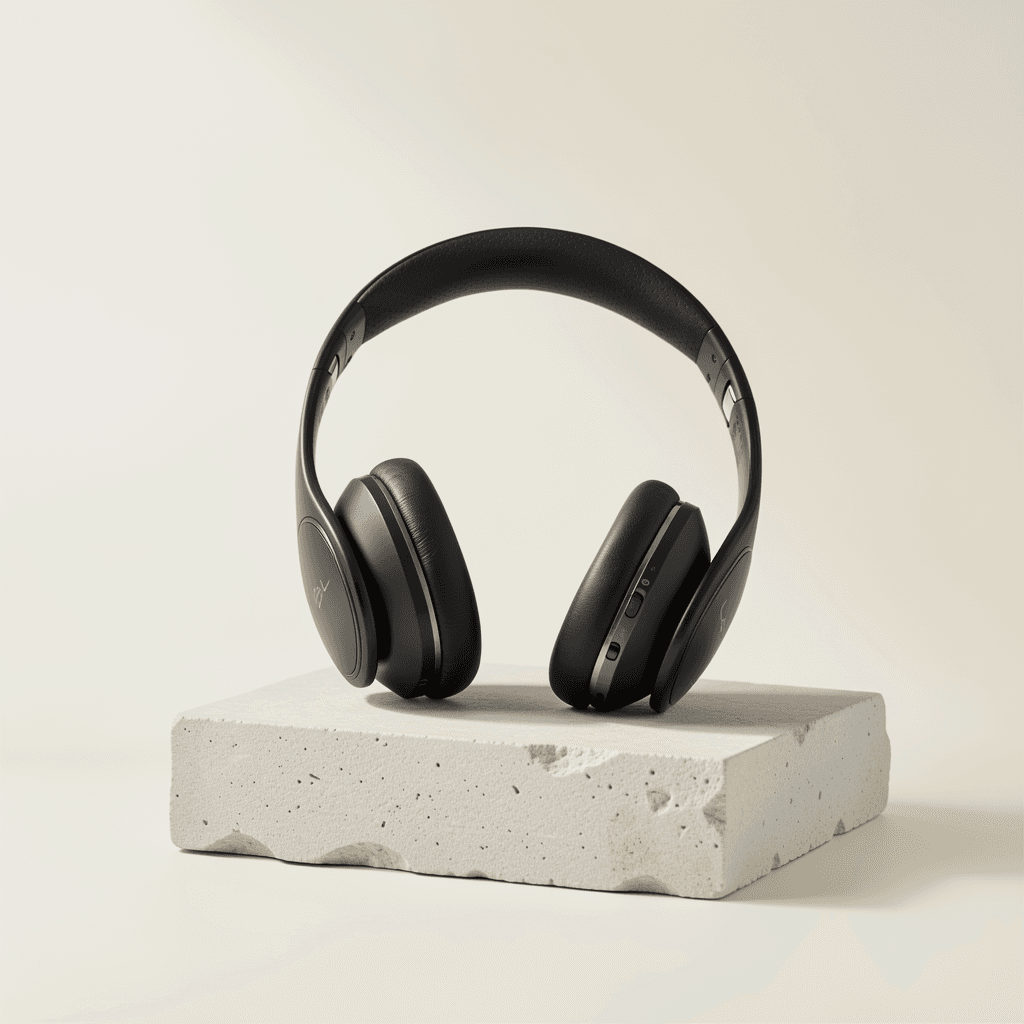
Turn everyday photos into “looks expensive” images

AI photo editor that makes photos look worth clicking

Upload one real business photo and see a polished AI preview before signup. Create a free account only when the result is worth saving.

What are you improving today?
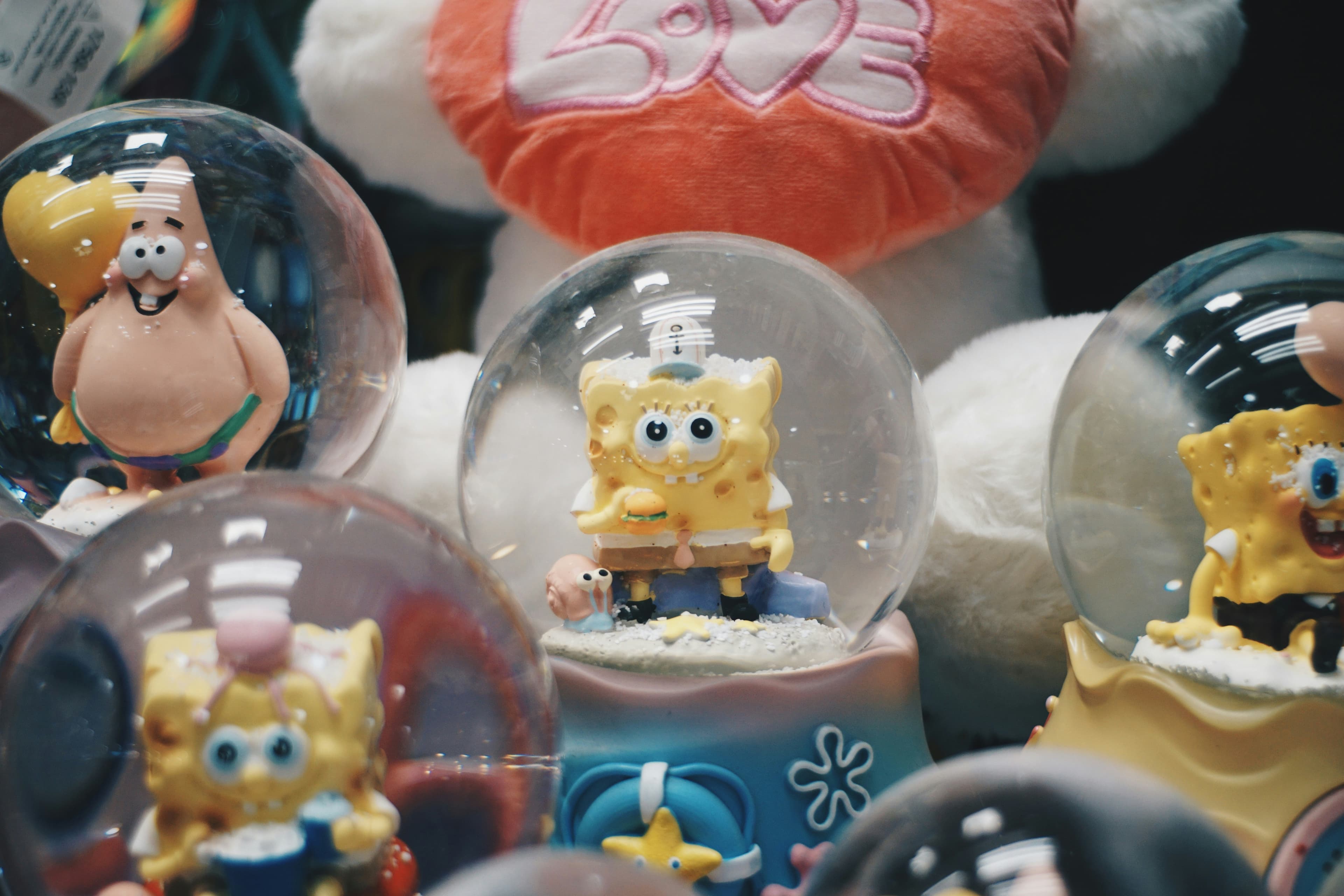
Try one real preview first
No credit card required
Sign up only to download
Before
Before
Enhancing...
0%
After
After

Professional product photos

Start here

See the result first. Decide after.

The fastest path is one photo, one style, one preview. If it looks good, signup unlocks download and more credits.

Try first flow

No signup until the preview proves itself.

Upload

Pick a style

See preview

Unlock

Already useful for teams publishing on

Shopify
WooCommerce
Amazon
Best path:upload one real image, see the preview, then sign up only if it feels worth keeping

Built for Business Owners

One tool, every industry — professional studio results from your phone, every time

E-commerce & Product Sellers

Turn phone snaps into studio-quality product shots. Clean backgrounds, professional lighting — bulk-edit your whole catalog at once.

Social Media Creators

Batch-edit your content calendar with one prompt. Consistent style across every post — no extra work per image.

Real Estate Agents

Transform any phone photo into a polished listing image. Upload all property photos at once, get consistent professional results.

Restaurant & Food Owners

Professional menu photography from your kitchen phone shots. Shoot 20 dishes, bulk-upload, and get studio results in minutes.

Choose Your Perfect Style

From Instagram-ready to professional e-commerce, our AI transforms your images to match any use case

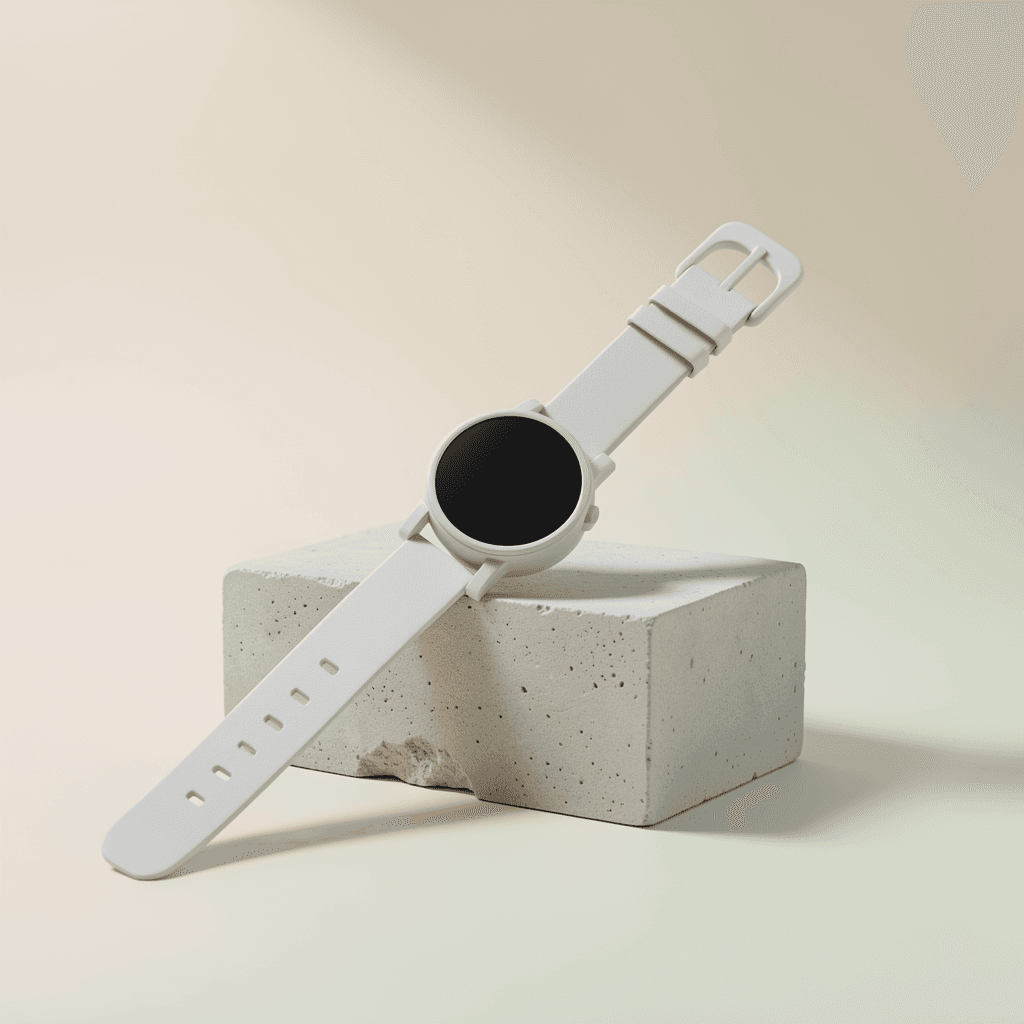
Before
After
Before
After
Before
After

Can’t find your perfect style?

Use custom prompts to generate exactly what you want.

Try Custom Prompts

Why Small Businesses Choose Hyperistic

Professional studio photos from your phone — or edit your whole catalog in one go

Phone Photo → Studio Shot

AI transforms any casual handheld photo into a professional studio-quality image — no photographer, no equipment needed.

Bulk Edit: 1 Prompt, 30 Images

Set your style once and apply it to up to 30 photos at once. Same prompt, same quality, consistent results across your entire catalog.

Presets Built for Small Business

E-commerce, Restaurant, Social Media, and Real Estate presets — designed for real business needs, not just aesthetics.

Under 10 Seconds, Every Time

No waiting, no back-and-forth with a designer. Upload, pick a style, and download studio-quality images in under 10 seconds.

No Watermarks, Full Resolution

Download in full resolution — ready for your store, menu, ads, or social media. No hidden fees, no watermarks.

Secure & Private

Bank-level encryption and automatic deletion after 24 hours. Your product photos stay yours.

Simple 3-step process

Studio Photos in 3 Simple Steps

From your phone to a professional studio shot — no design skills, no photoshoot, no hassle.
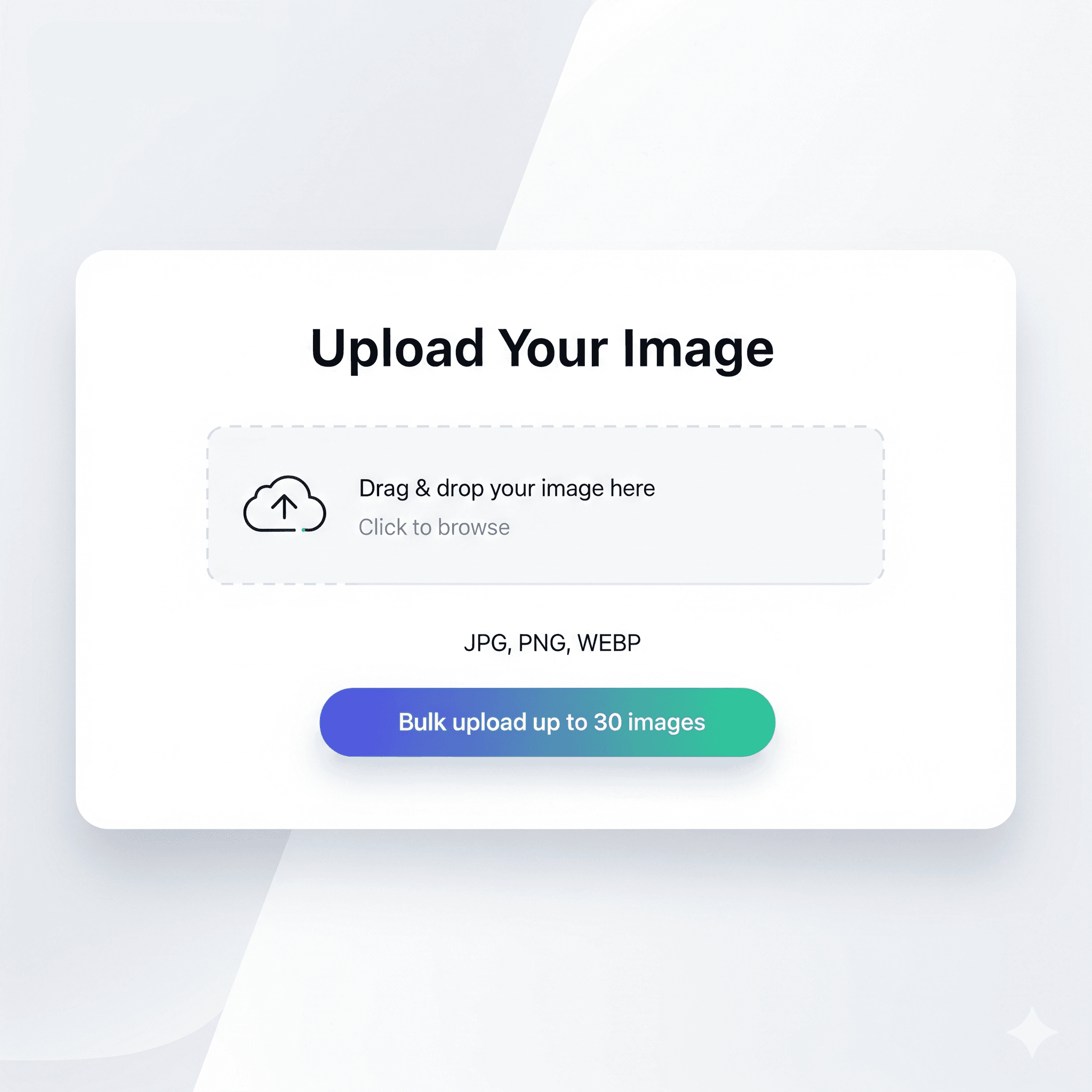
Snap & Upload
01
Bulk upload: up to 30 images

Snap & Upload

Take a photo on your phone or drag & drop from your computer. Upload one image or up to 30 at once for bulk editing — no special equipment needed.

Pick Your Style Once
02
1 prompt → 30 images, same quality

Pick Your Style Once

Choose a preset (E-commerce, Restaurant, Social Media, Real Estate) or write your own custom prompt. Apply it to every image in your batch — one style, consistent results.

Download Studio Results
03
Studio quality. No photographer.

Download Studio Results

AI transforms your casual phone shots into professional studio images in under 10 seconds. No watermarks — ready for your online store, menu, or social media.

Phone Photo. Studio Results. No Photographer.

Built for small business owners who need professional images

10s
Processing Time
From upload to studio shot
30
Images per Batch
1 prompt, same quality every time
100%
No Watermarks
Ready for your store or ads
Free
To Get Started
3 credits, no card required

Loved by Small Business Owners

Real results from real business owners — no photographer required

I used to spend $300 on a product photoshoot. Now I snap photos on my iPhone, bulk upload, and get studio results in minutes. It's a game changer for my small business.

Sarah Chen
Sarah Chen
Online Boutique Owner

We update our menu every season. I photographed 20 dishes on my phone, uploaded them all at once, and had professional menu photos ready in under 10 minutes.

Marcus Rodriguez
Marcus Rodriguez
Restaurant Owner

The bulk editing is incredible. I set one style and it applies to all my listing photos. My portfolio finally looks consistent and professional — and I saved thousands on a photographer.

Emily Watson
Emily Watson
Real Estate Agent
Try first. Sign up after. No card.

Use one real photo to create the “I should keep this” moment.

Start with upload, get a result, then sign up to unlock the download and 3 credits if the preview feels worth keeping.

🛍️ E-commerce sellers🍽️ Restaurant owners🏠 Real estate agents

Guest preview first. Signup unlocks download, history, and more credits when you actually want to continue.

FAQ

Frequently Asked Questions

Everything people ask before trying Hyperistic for the first time

What is Hyperistic?+
Hyperistic is an AI-powered photo editing tool that transforms product photos, food images, and real estate pictures into professional-quality visuals for businesses and creators.
What does the name Hyperistic mean?+
Hyperistic combines "Hyper" and "Realistic" to represent images that look more polished, premium, and studio-ready than an ordinary phone snapshot.
How does Hyperistic work?+
Upload a photo, choose a preset style such as E-commerce, Social Media, Restaurant, or Real Estate, and Hyperistic uses generative AI to transform the image in under 10 seconds.
Is Hyperistic free to use?+
Yes. Visitors can generate one preview before signup. New users also get 3 bonus credits on signup and 1 free daily credit with no credit card required. Premium starts at $7.99 per month and includes 100 monthly credits plus bulk editing.
What types of photos can Hyperistic edit?+
Hyperistic supports product photos, menu photos, real estate listing photos, and social media content, plus general marketing imagery where faster professional polish matters.
Can I bulk edit multiple images at once?+
Yes. Premium supports bulk editing of up to 30 images in one batch and lets you download the results together as a ZIP file.
Do I own the photos edited by Hyperistic?+
Yes. You retain ownership of your original uploads and the AI-enhanced results, and the output images are watermark-free.
How is Hyperistic different from Canva or Photoshop?+
Hyperistic is built for fast AI-driven enhancement of real photos, so there is no design learning curve, template setup, or manual retouching workflow.
Why is Hyperistic useful for small business marketing?+
Hyperistic helps small businesses create better product, food, property, and social images without paying for a full photoshoot every time they update a catalog, menu, listing, or campaign.
What makes Hyperistic good for bulk photo editing?+
Premium users can upload up to 30 images, apply one preset or prompt across the batch, keep a consistent look, and download the results together as a ZIP file.
How long does it take to edit a photo with Hyperistic?+
Most single images finish in under 10 seconds, and full 30-image batches typically complete in under 5 minutes.